B21, China Town Mall, Midrand

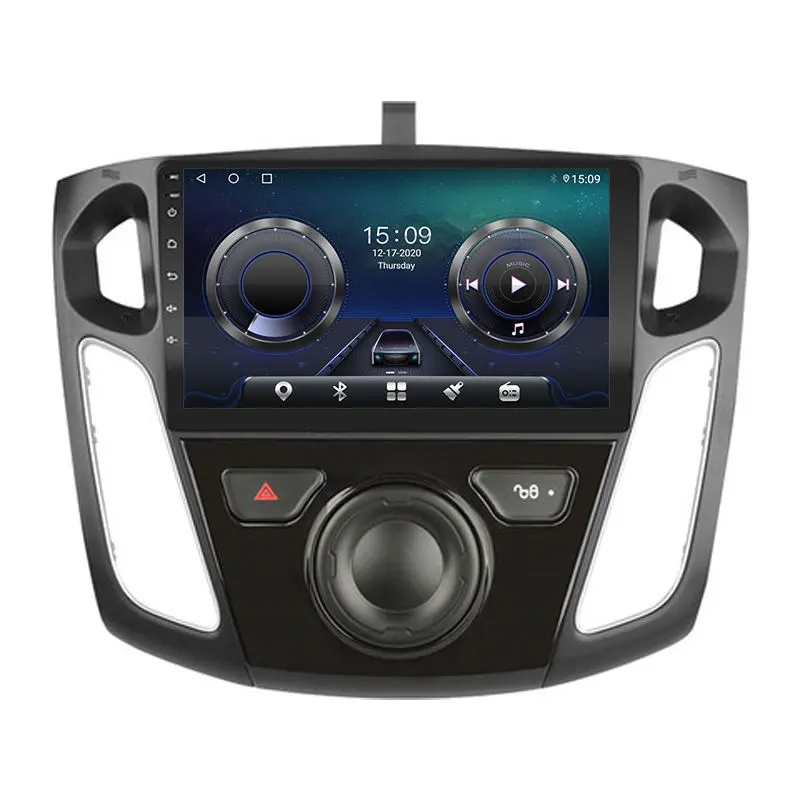
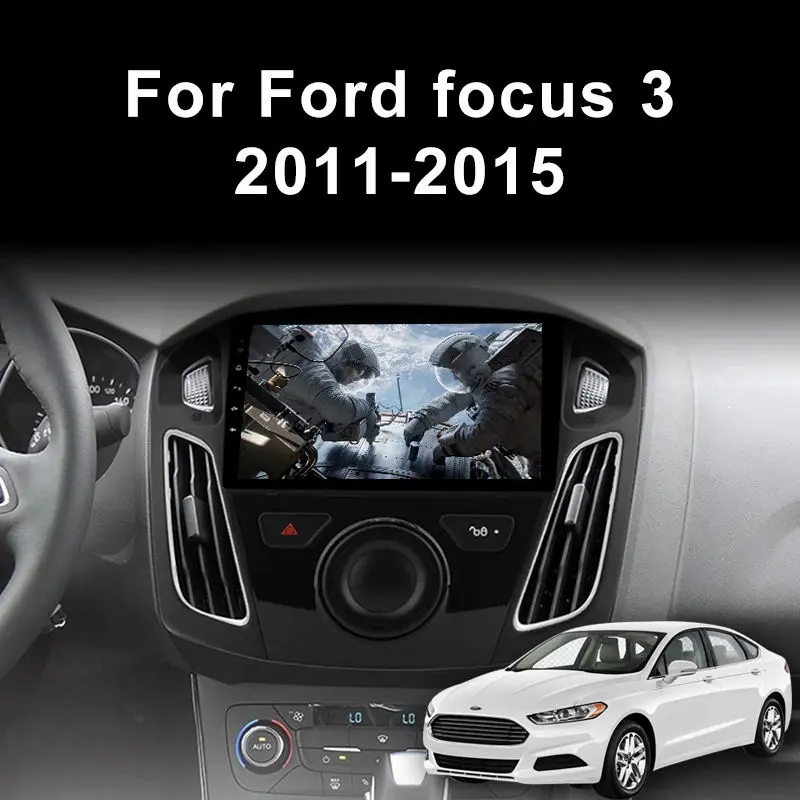
9" Car Multimedia System For 2011-2015 Ford Focus 3 Mk 3

- Section : Sports & Entertainment
- Category : Vehicle Accessories, Electronics, & Tools
- SKU : 1600473455173

Product Description

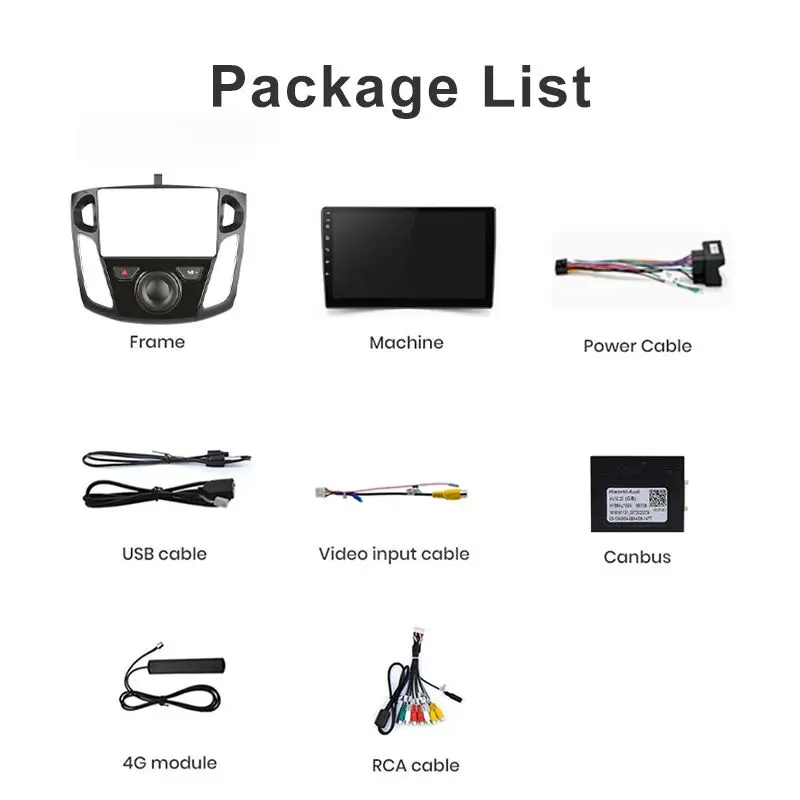
2:Accessories

3:Specification
| Android System | |
| Main Frequency/System version | 11 version |
| RAM | 1G/2G/4G/6G |
| ROM | 16G/32G/64G/128G |
| Voice Guidance Language/OSD Language | Traditional Chinese, English ,Portuguese,Arabic , Russian, German, French, Turkish , Spanish, Italian,etc |
| Form Factor | In-Dash |
| Display | |
| Display Mode/ Display Type | 1280*700 Pixels Touch Screen |
| Screen Size | 9 Inch |
| Brightness Control | Yes |
| Amplifier | |
| Amplifier | Professional audio processing 50 Watts x 4 |
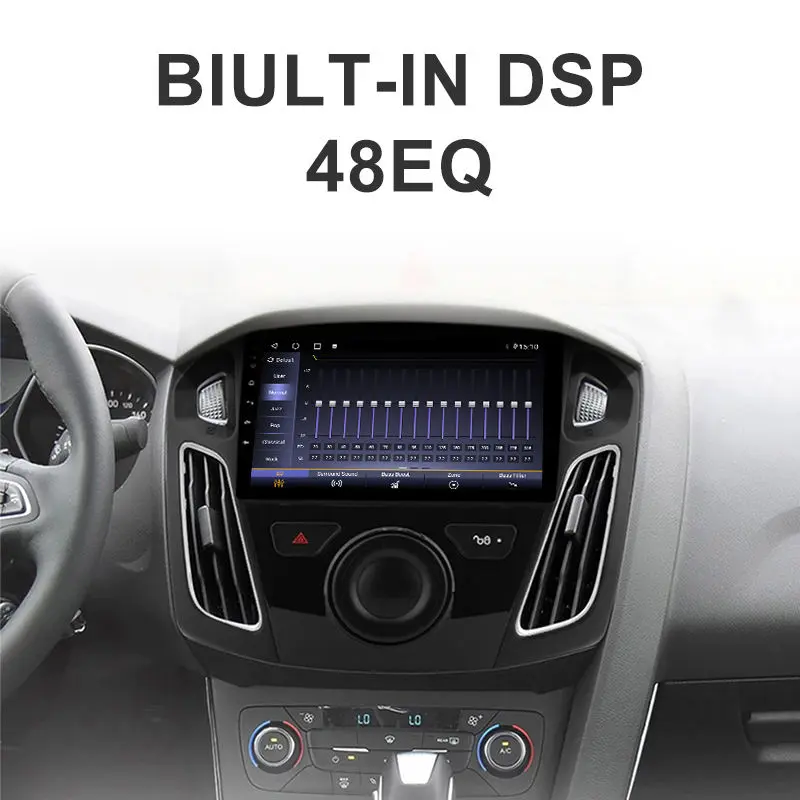
| EQ mode | Classic,Rock,Pop,Jazz theater/scene/teahouse ect. |
| BT | |
| Version | BT Stereo Music,the same with CD player of tone quality |
| With built-in bt phonebook function,downloading the phonebook from your cellphone,display the caller name and phone number |
4:Function


- Shipping Timeframes: All orders are processed within 2-5 business days (excluding weekends and holidays). After your order has been processed, the estimated delivery time is before 03 Aug, 2026, depending on customs, Please note that due to high demand, some items may experience longer shipping times, which will be communicated at order confirmation email.
- Order Processing Time: Please allow 2-5 business days for us to process your order before it is shipped . Orders placed after 16:00 on Fridays, or during weekends and public holidays, will begin processing on the next business day. Processing times may be extended during peak seasons or sales events.
- Manufacturing Time: Some products needs manufacturing time, the manufacturing process will take approximately 10-30 business days depending on the product. This timeframe may vary depending on the complexity of the product and current demand. but this will be communicated with you during order confirmation.
- Returns and Exchanges: We offer a 30-day return policy for most items. If you are not completely satisfied with your purchase, you may return it within 30 days of receipt for a refund or exchange. Items must be unused, in their original packaging, and accompanied by proof of purchase. Return shipping costs are the responsibility of the customer, unless the item was damaged or defective upon arrival.
1. What vehicles is this 9" multimedia system compatible with?
This unit is designed for 2011–2015 Ford Focus (Mk3 / Focus 3). It replaces the factory head unit and fits the standard double-DIN dash opening for those model years.
2. What Android version does the unit run and what are the memory/storage options?
The system runs Android 11. Available RAM options are 1GB, 2GB, 4GB, or 6GB and storage (ROM) options are 16GB, 32GB, 64GB, or 128GB — select the configuration offered in the listing.
3. What is the screen size and resolution?
The display is a 9-inch capacitive touch screen with a resolution of 1280 × 700 pixels and adjustable brightness control.
4. Does it support Bluetooth hands-free calling and music streaming?
Yes — it supports Bluetooth stereo audio (A2DP) for music and hands-free calling. The unit can download and display your phonebook so caller names and numbers are shown during calls.
5. What audio performance and EQ options are available?
The built-in amplifier is rated at 50 watts × 4 channels. The unit includes multiple EQ modes such as Classic, Rock, Pop, Jazz and several scene presets (theater, teahouse, etc.) for tuning the sound to your preference.
6. Which languages does the system support?
The unit supports multiple OSD and voice guidance languages, including Traditional Chinese, English, Portuguese, Arabic, Russian, German, French, Turkish, Spanish, Italian and others.
7. Does the unit include GPS navigation and maps?
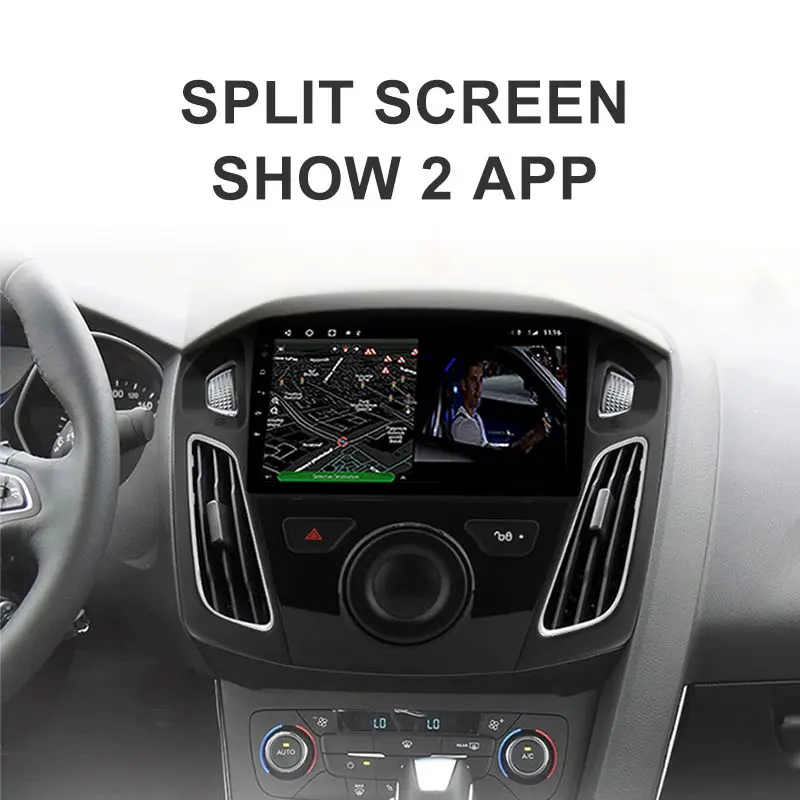
The system supports GPS navigation (has GPS functionality) and runs Android navigation apps (Google Maps, Waze, offline map apps, etc.). Preloaded maps depend on the seller/region — check the specific listing for included map packages.
8. Can I connect a rearview camera or other cameras?
Yes — the head unit supports camera input(s) for a rearview camera and parking assist. Most units support RCA camera input with optional dynamic parking guidelines; a compatible camera is typically sold separately or as an optional accessory.
9. Will my factory steering wheel controls and vehicle features work?
Many steering wheel control functions can be retained, but you may need a compatible steering wheel control interface or CANbus adapter. Compatibility with factory amps, climate displays or parking sensors varies by vehicle and may require additional adapters — confirm with the seller or installer.
10. What connectivity ports does the unit provide (USB, AUX, Wi‑Fi)?
Typical connectivity includes at least one or more USB ports for media and firmware updates, an auxiliary input, GPS antenna input, and Wi‑Fi support for internet and app downloads (exact port count/configuration may vary by model). Check the item details for the exact ports included.
11. How are software updates handled?
Firmware and Android app updates are generally installed via USB stick, SD card, or over Wi‑Fi if the unit supports OTA updates. Follow the update instructions provided in the user manual or by the seller.
12. What accessories are included with the unit?
Included accessories vary by seller and package. Common items are wiring harnesses, GPS antenna, USB cable, mounting brackets and a user manual. Rear camera, CANbus decoder or steering wheel control adapters may be optional — verify the exact contents before purchase.
13. What should I do if the touchscreen or audio isn't working properly after installation?
First check all harness connectors and fuses. Reboot the unit. Verify screen calibration in settings. For audio issues, check speaker wiring and audio output settings and ensure the parking brake or mute inputs aren’t engaged. If problems persist, contact the seller or a professional installer.
14. Is professional installation recommended and is there a warranty?
Professional installation is recommended to ensure correct wiring, steering wheel control integration and CANbus setup. Warranty terms vary by seller/manufacturer — check the product listing for warranty length and coverage details.
Latest Order Arrivals
Discover our latest orders

12 Heads Embroidery Machine

Toilet Paper Machine Machine

Order Collection

Cross Border Clients

Order cros border countries Collected

Industrial Machine Cllection

Agriculture Processing Machines

Ready for collection

Water Pump Equipment

Packaging Machine and accessories

Fabrics Manufacturing Equipment

Mining Equipments

Food Processing Machine

Batch of Orders

Batch of Orders

Latest Orders Labelled

wheel alignment machines

new arrivals

Pre Orders Offloading

Latest Arrivals

Latest Arrivals

Latest Arrivals

Loading

Toilet paper making machine

Toilet paper making machine

Toilet paper Rewinding Machine

latest arrivals

offloading

order success

order collection

order offloading